
 |
�@ |
Getting Start Guide
START CONSOLE
Connecting Modules
Window Control
Controling Plug-In's
Parameter by using MIDI CC
Plugin Mode
Extra Modules


|
Getting Start Guide Connecting Modules 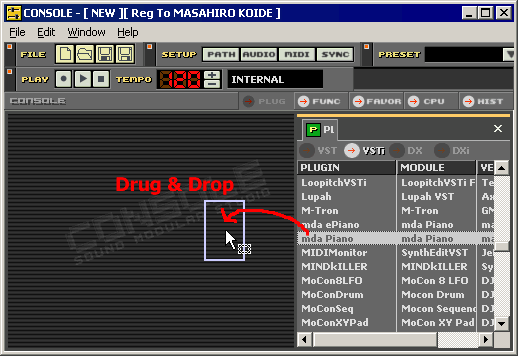 Drug & Drop
a module from list. Drug & Drop
a module from list.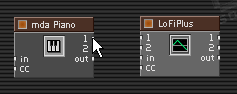 Move mouse over output pin 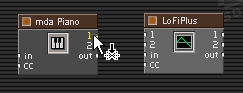 Ckick mouse bottun. 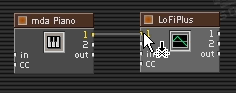 Drag&Drop to an input pin of other module. 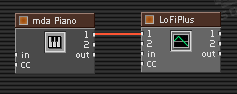 Now modules are connected.  If you Drag&Drop with SHIFT key down, Your can connect stereo pairs. Delete a Module 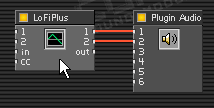 Select a Module and Click. 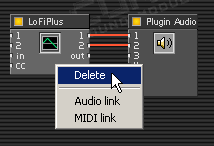 Right click over the module and select Delete. You can delete a module. Delete a Cable line 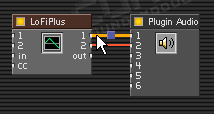 Click a cable and select. 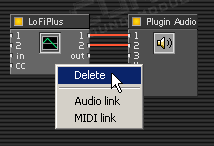 Right ckick over the cable and select Delete. |

VST PlugIn Interface Technology by Steinberg Media Technologies AG.
ASIO Interface Technology by Steinberg Media Technologies AG.
Microsoft®, Windows®, DirectX® are either registered trademarks
or trademarks of Microsoft Corporation.